InPops
Made for nail salons

Online booking.Check-in kiosk.Text reminders.Scheduling.Setup in 5 minutes.

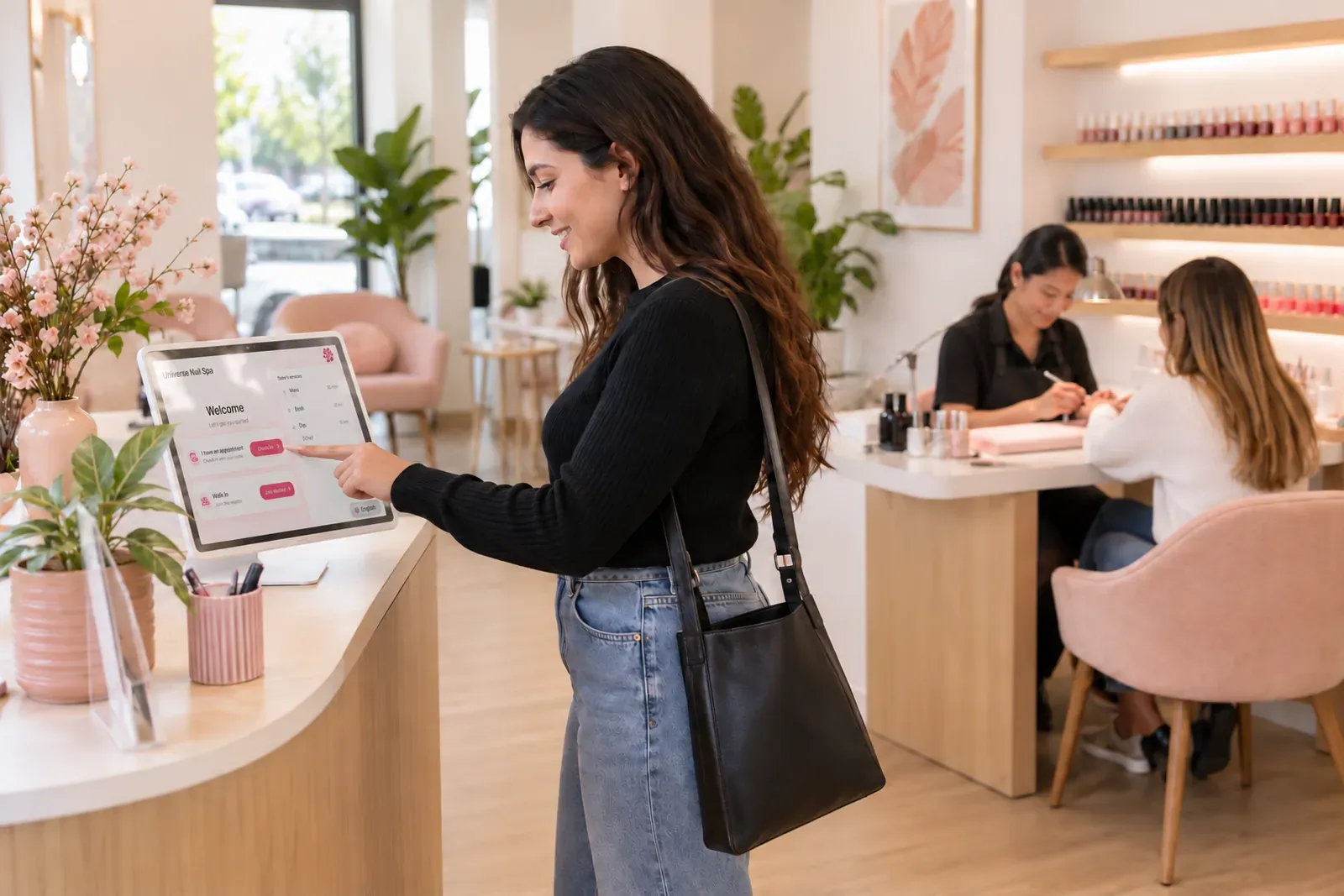
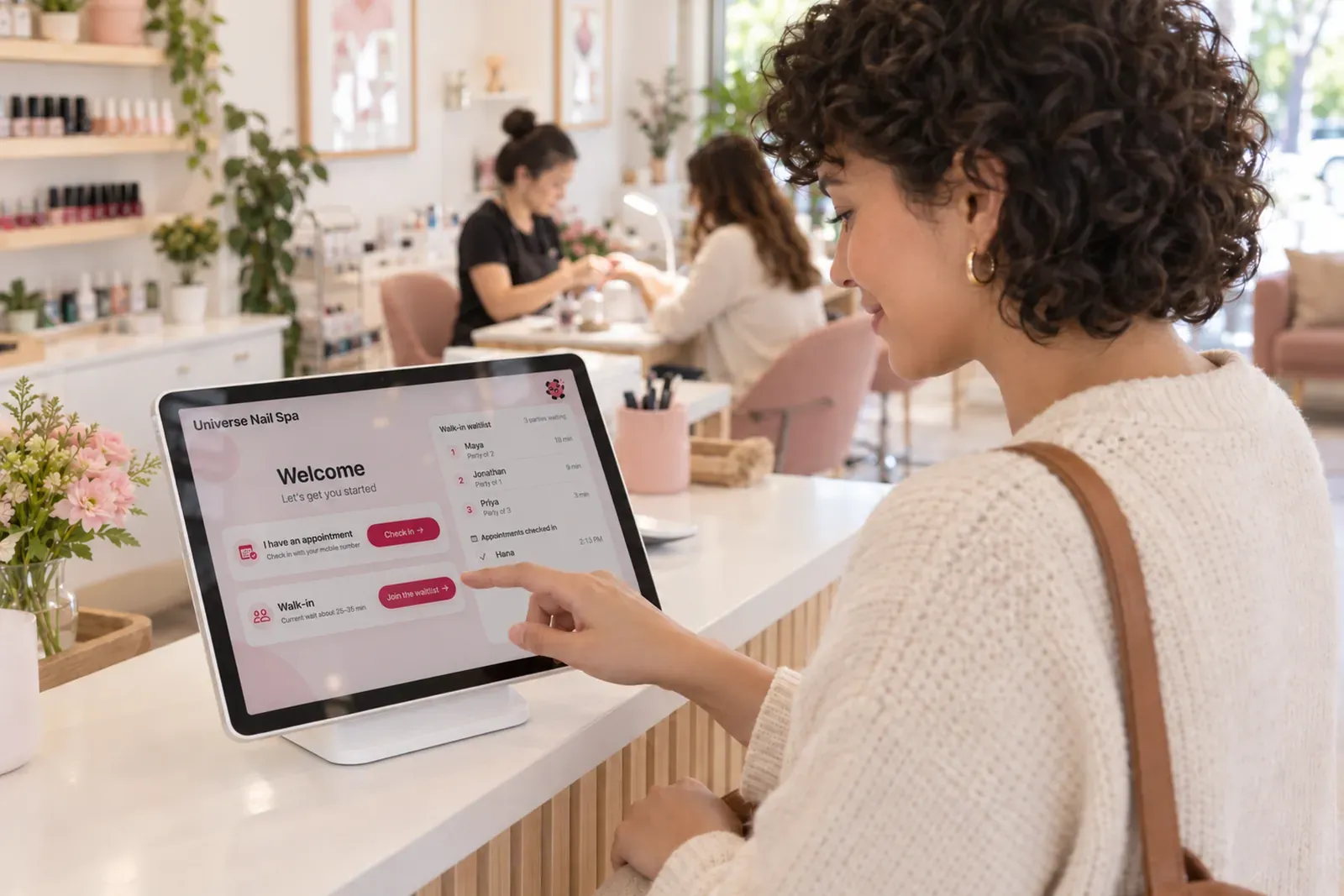
A guest checks herself in on the kiosk's Welcome screen, on an iPad by the door of a nail salon, while a technician, a few steps away, carries on with another guest's manicure

Guests book online and check themselves in on an iPad you already own. You run the whole day from an iPad or any browser.

The day, on the iPad or the web

Find a free technician in one tap.
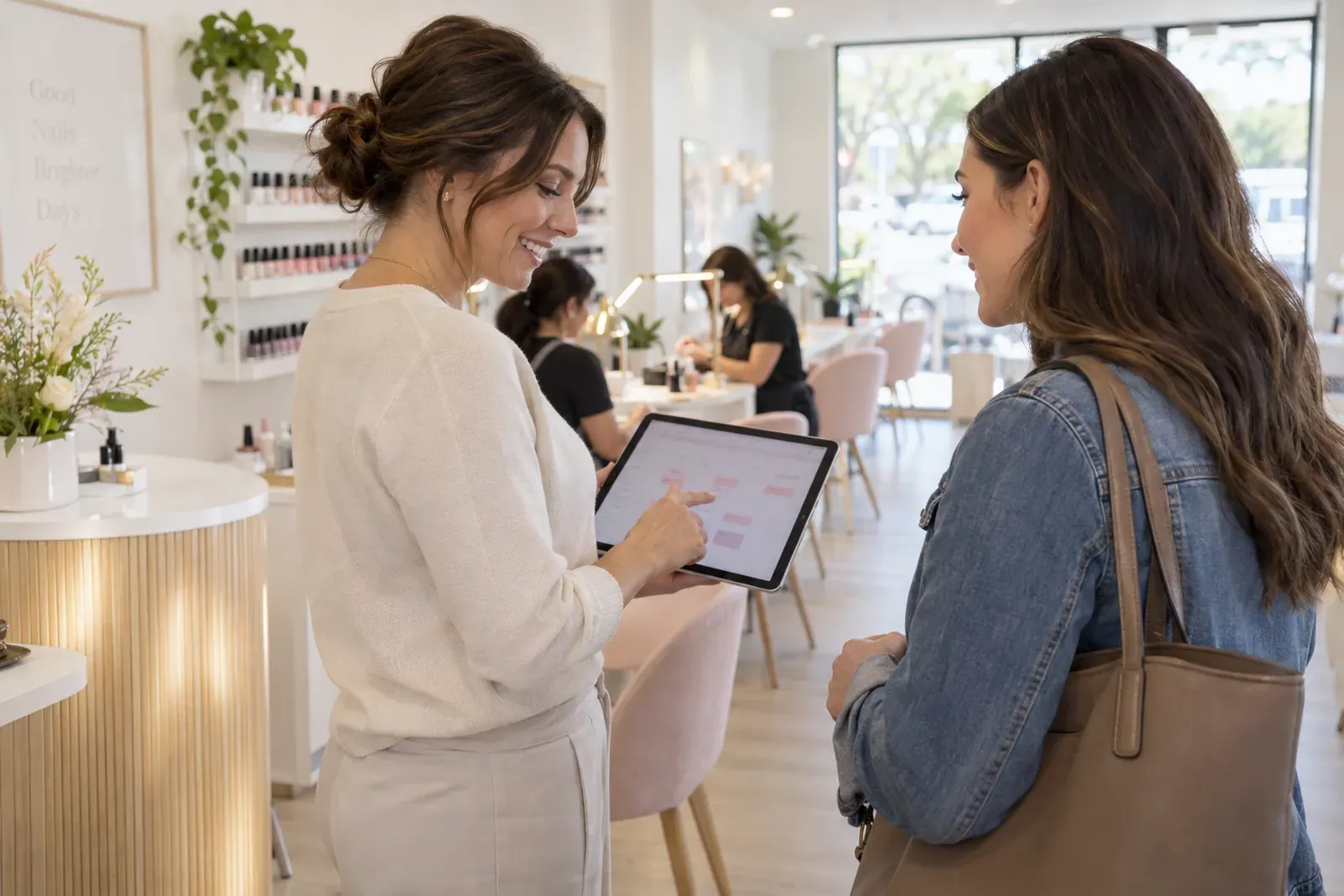
A salon manager with an iPad in her hands, tapping it while she talks with the guest who has just arrived

Walk-ins and appointments sit in one list beside the book, so you always know who's waiting, who's next and who's late.

  • Guests seated faster, with every free technician offered the moment a guest is ready
  • Plan the next hour, with busy technicians showing when they'll be free
  • No chair sits empty, with late guests and no-shows flagged
More about running the day →
The iPad check-in kiosk

Guests check themselves in.

A guest at the counter of a nail salon taps Join the waitlist on the kiosk's Welcome screen, on an iPad on its stand; behind her a technician keeps working with a client

Walk-ins and appointments check in on the iPad, see an honest wait, and show up on your list the same moment.

  • No more “how long?” at the desk, with wait times worked out from your real chairs and technicians
  • No crowd at the door, with a text that gives walk-ins a live link to their place in line
  • Never overrun, with walk-ins paused by your own message when the salon is full
More about the check-in kiosk →
The appointment book

Take a booking by phone in seconds.

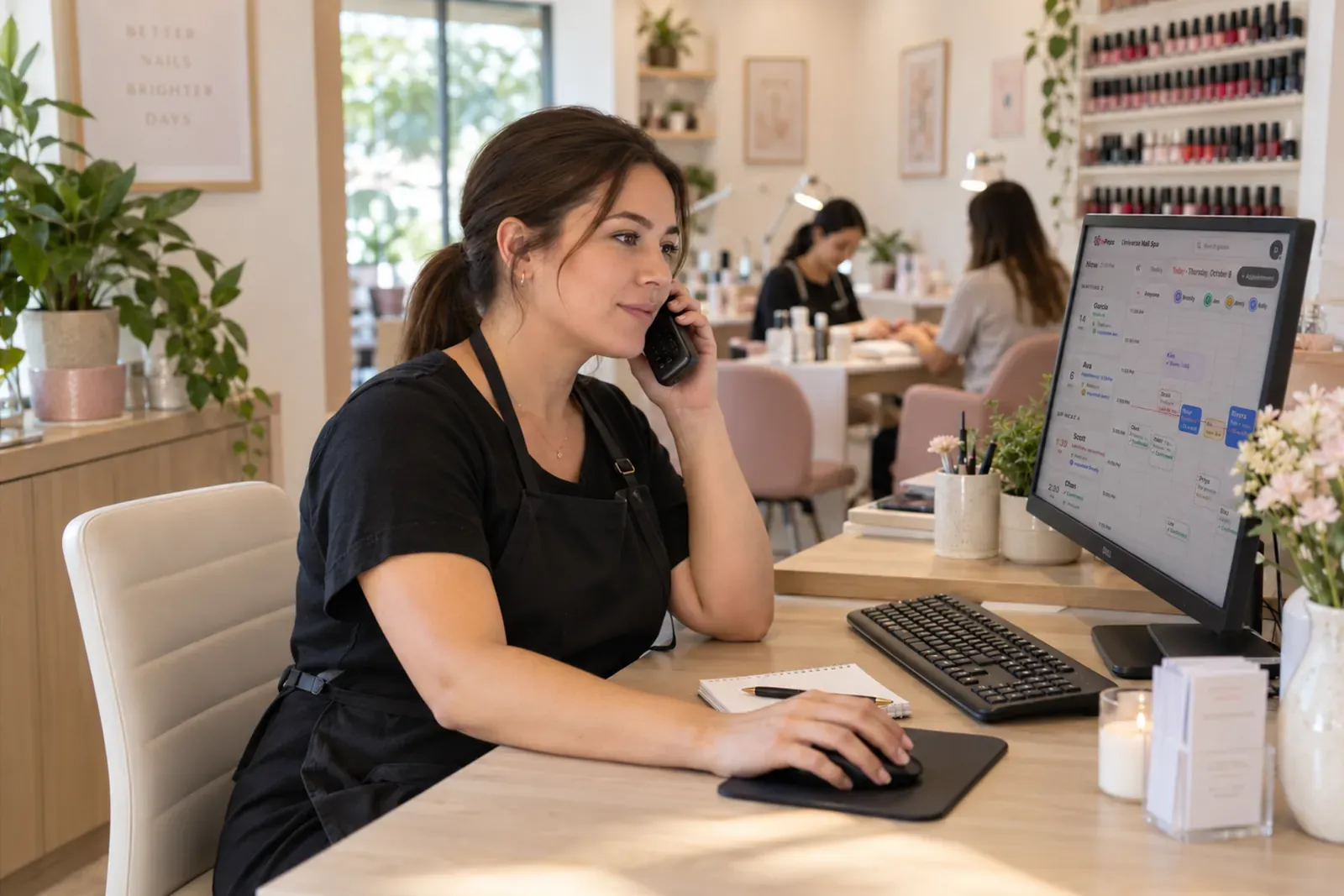
A salon manager on the phone at the front desk, one hand on the mouse, looking at the salon's day on her monitor: the waiting list and a column per technician

Book a caller in a few taps, with only open times offered.

  • No double bookings, with only open times offered for a chair and a technician
  • No confirmation calls, with the confirmation text sent for you
  • Faster for regulars, with a mobile number filling in their details
More about the book →
Online booking

Guests book themselves. No app, no call.

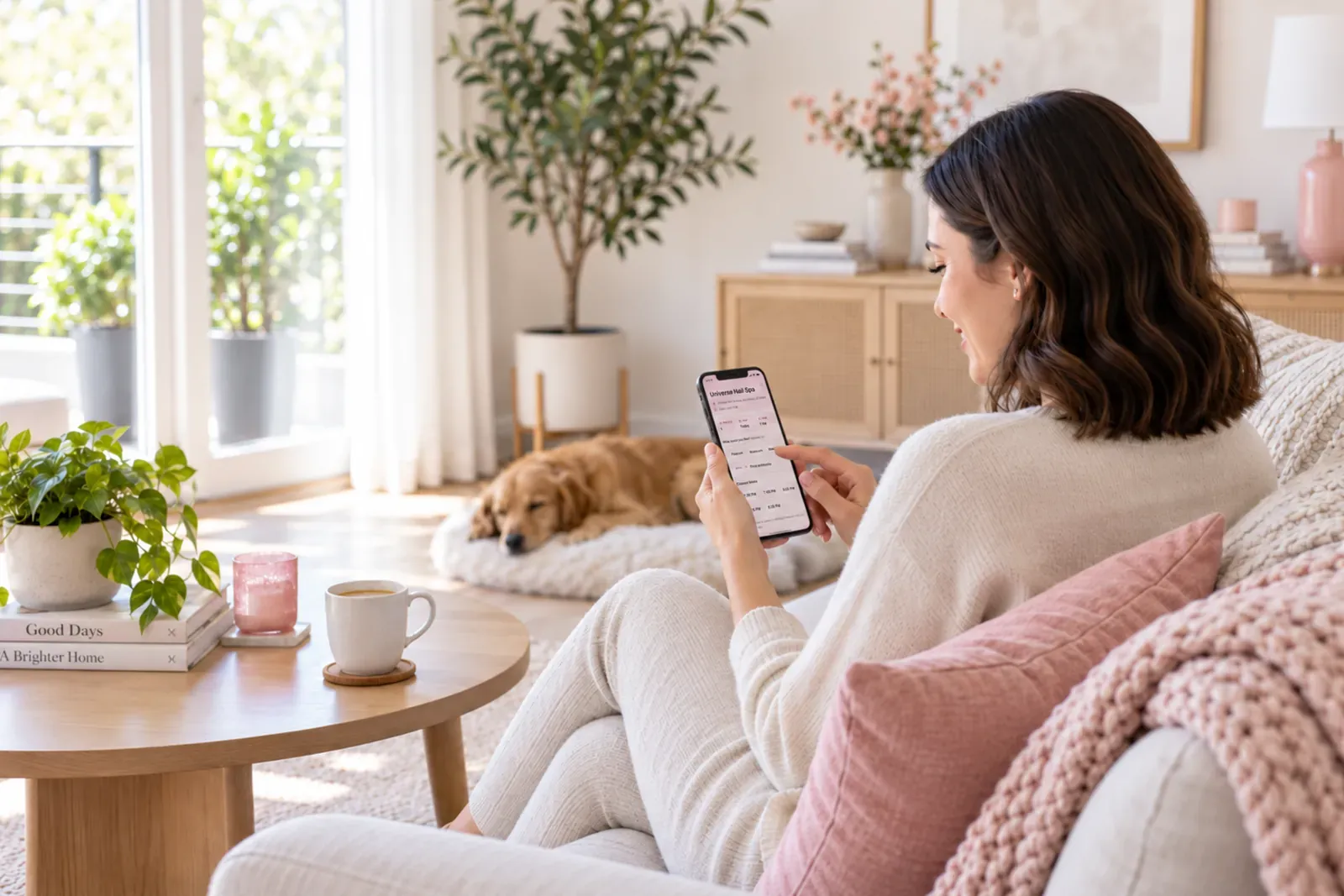
A guest on her sofa at home, booking on her phone: the salon's booking page with the closest open times

Guests book from your link at any hour and only see times that are open.

  • Fewer no-shows with scheduled reminder texts
  • Fewer phone calls, with guests rescheduling or cancelling from the text
  • Group bookings in one go, each guest with her own service and technician
More about online booking →
Text notifications

Automatic text reminders for fewer no-shows.

A guest at a café table outside with an iced coffee, glancing at her place in line on her phone

Reminders, waitlist updates and thank-yous go out on their own, with unlimited texts included.

  • Fewer no-shows, with a reminder before every appointment
  • Walk-ins come back on time, with a text to track their place in line
  • More reviews on Google and Yelp, with a thank-you text after every visit
More about texts →

Run the salon from the iPad at the desk or any browser. Same salon, live on both.

Start here

Find your salon.

Type its name. We fill in the address, phone and hours from Google.

Not listed yet? Start from scratch →
Simple pricing

Free for 30 days. Then one price for your whole salon.

Booking, the kiosk, the day on iPad or web, and unlimited texts. A second salon is $149 more.

Per salon
$149/ month
Unlimited technicians · unlimited texts · iPad kiosk included
  • $0 per technician
  • 0% commission
  • $0 for texts
  • $0 hardware
  • 0 contracts
  • 0 lock-in
+ $149 a month per additional salon
30 days free · no card · no contract
Everything else a front desk does

The book, the team, the texts. Same price.

Everything a manager does on a Saturday, on the iPad or the web.

Setup, start to finish

Type your salon's name. We do the rest.

About five minutes. No card.

  1. 1

    Find your salon

    Address, phone and hours come from Google.

  2. 2

    Check your hours

    Fix a day, or leave them.

  3. 3

    Count your chairs

    The room draws itself.

  4. 4

    Tap what you offer

    Or add your own.

  5. ✓

    Add your team

    One technician on the roster and your link is live.

    book.inpops.com/s/universe-nail-spaCopy
Why salons switch

What the others charge for, we don't.

List prices from their own pricing pages, before card fees.

List prices from their pricing pages, September 2026. See the full comparison

Questions salon owners ask us

Still wondering? Write to hello@inpops.com.

What happens when my 30 days end?

Nothing is charged, because we never asked for a card. Your salon stays readable; to keep taking bookings you subscribe from inside the app.

Do my guests need an app or an account?

No. They book from a link with a name and a mobile number. Everything else arrives by text.

Does InPops have a check-in kiosk for walk-ins?

Yes. It's a free iPad app. Walk-ins tap in their name and party, see a wait time worked out from your real chairs and technicians, and get a text with a link to their place in line.

Which iPad do I need?

Any iPad from 2018 or newer (it needs iPadOS 17 or later), for the kiosk and for running the salon. A stand is optional.

Do I need a computer, or does the iPad do it all?

Either. The InPops app runs the whole salon on an iPad: the day, walk-ins, guests and settings. The same salon is at app.inpops.com in any browser. Setting up and billing are on the web.

Can one iPad be the kiosk and the salon?

One at a time. Switch to kiosk hands it to the door; a four-digit staff passcode brings it back. Most salons keep one iPad at the door and run the day on another, or on a laptop.

How is InPops different from Booksy or Vagaro?

One flat price for the whole salon instead of a fee per technician or per calendar, the check-in kiosk included instead of an add-on, unlimited texts, no commission on any booking, and one iPad app that is both the salon and the check-in kiosk.

Do you take a commission on bookings?

No, never. Not on bookings from your link and not on guests who find you through InPops.

Are texts really unlimited?

Yes, on a plan. Every confirmation, reminder and waitlist text your salon sends is included in the price. The free trial includes 1,000 texts.

Do you take a percentage of card payments?

We don't process payments at all. Keep the card reader you have. Your price is the price.

What if I have two salons?

Each extra salon is $149 a month on the same bill, with its own booking link, kiosk and day. The free trial is for one salon; adding a second starts your plan for both.

Can I take my data with me?

Yes. Export your guests and bookings as a spreadsheet from Settings at any time, and nothing is deleted unless you close the account.

Your booking link, five minutes from now.

30 days free. No card. Nothing to cancel.
Start free